
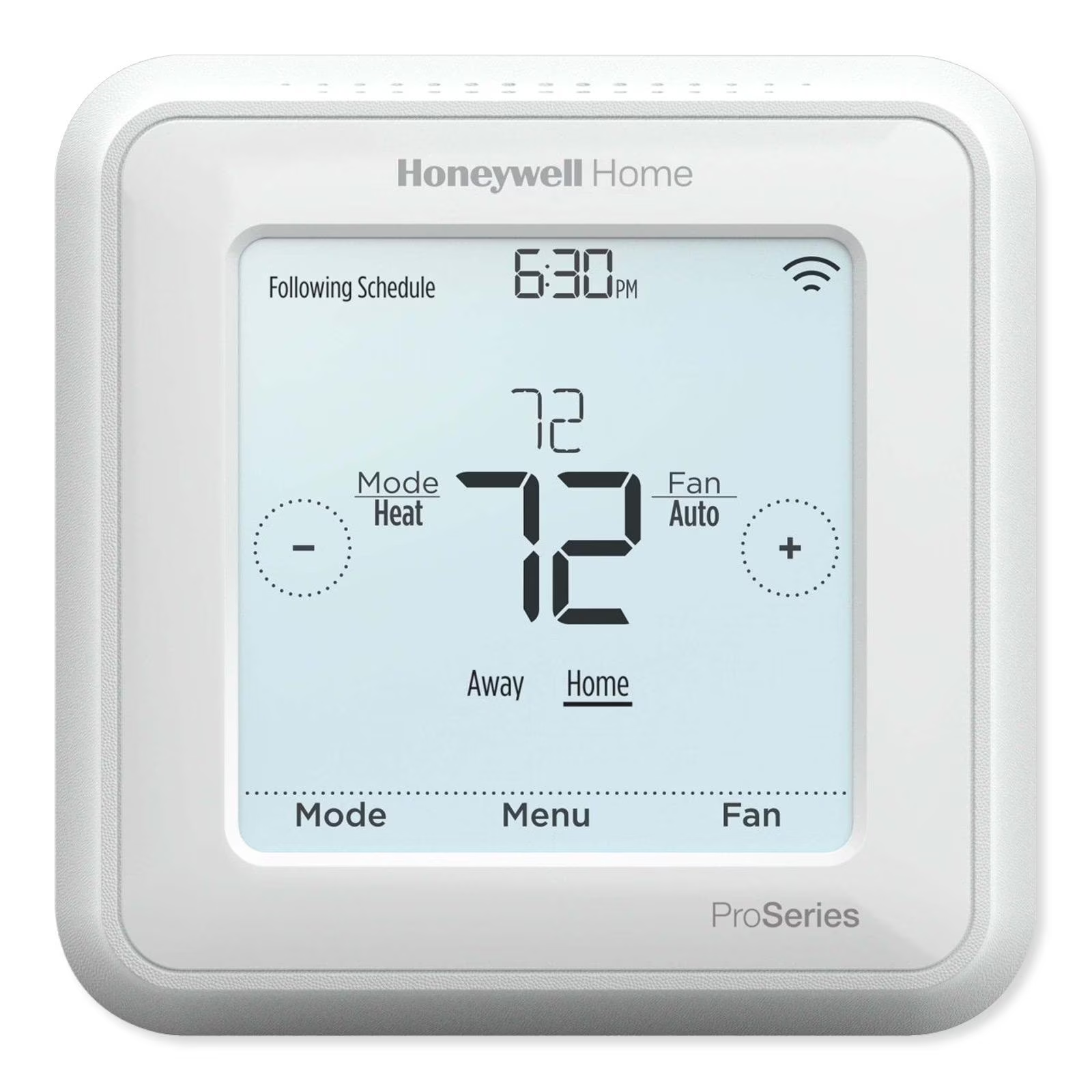
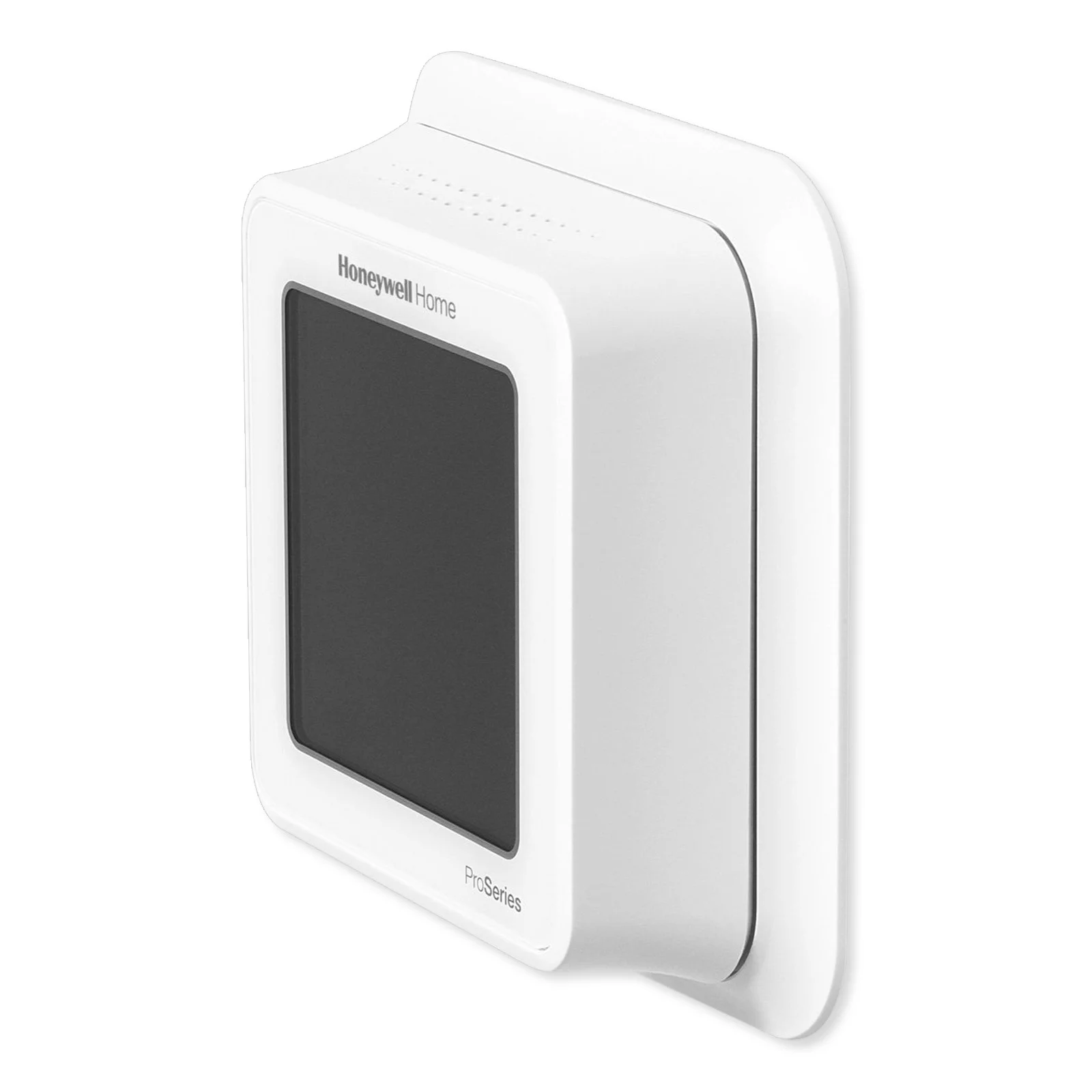
Honeywell TH6320ZW2007/U Z-Wave Plus v2 T6 Pro Programmable Smart Thermostat with SmartStart
Free U.S. shipping · Shipping details
The T6 Pro Z-Wave Programmable Thermostat is a Z-Wave Plus certified
thermostat designed to work with any Z-Wave compliant controller or gateway
for easy programming and automation to deliver energy savings and comfort at
the same time. The thermostat can be operated in any Z-Wave network together
with other Z-Wave certified devices from other manufacturers. All non-battery
operated Z-Wave devices (nodes) within the network will act as repeaters
regardless of manufacturer to increase reliability of the network. When
integrated with the app that controls your Z-Wave controller, it lets you
program and control your home’s HVAC system as well as control other Z-Wave
devices connected to the same Z-Wave controller.
- Flexible scheduling: The thermostat is fully programmable when not included into a Z-Wave network. Each day can be programmed for different heating and cooling settings in 4 unique periods (Wake, Away, Home, Sleep). The thermostat scheduling options available differ depending on whether the thermostat is included or excluded from Z-Wave network, on capability of your Z-Wave controller and app to program thermostat.
- Displays ambient air temperature, % relative indoor humidity and reports HVAC system status: You can display actual temperature or % relative humidity, or to see whether your cooling / heating system is running.
- Auto change from heat to cool: When Auto mode is selected, the T6 Pro Z-Wave thermostat can automatically determine whether your home needs heating or cooling to reach the desired temperature at the right time.
- Smart Alerts: The T6 Pro Z-Wave thermostat can alert you when your HVAC system is not working properly and can remind you for things like when to change your furnace filter.
- Adaptive Intelligent Recovery: The T6 Pro Z-Wave thermostat learns your heating and cooling cycle times to make sure the system delivers the temperature you want, when you want it. (Available only if the local thermostat schedule is enabled.)
- Power method: Designed for battery operation (3 x AA batteries) or for 24 VAC power operation (via a C or common wire).
- SmartStart: (TH6320ZW2007 model only). After the initial setup and time/date have been set, the TH6320ZW2007 thermostat will initiate SmartStart. Icon in upper right of display will flash. Thermostat stays in SmartStart mode indefinitely until it is included in a Z-Wave network.
- Identify thermostat: (TH6320ZW2007 only). If the thermostat is included in a Z-Wave Network. You can choose to identify the thermostat via Z-Wave app. Backlight will flash. Touching display while flashing will stop Identify mode. This is helpful when multiple thermostats are on the same Z-Wave Network.
- Excluding thermostat: If the thermostat is connected to a Z-Wave network that you wish to remove it from, select “Menu”. Then touch the right arrow until Z-Wave network is shown. Touch “select”. The display should show “exclude” if it is currently connected to a Z-Wave network. Touch select to exclude the thermostat from the network.
Shipping
Standard shipping is free on every order to all 50 states.
Orders are processed within 1-2 business days before dispatch. Our order cutoff is 2:00 PM U.S. Central Time (CT, observing CST/CDT as applicable), Monday through Friday, excluding U.S. federal holidays.
Delivery typically takes 2-4 business days after dispatch to all 50 states, including Alaska and Hawaii. Transit estimates do not include processing time; delivery times are estimates, not guarantees.
Returns
Return eligible items within 30 days of delivery.
Condition: Items must be unused, in their original packaging, and in resalable condition.
Return Shipping and Fees: Return shipping is free. A prepaid return label ships with your order, and we do not charge restocking fees.
Dimensions & Specs
Product photos show scale and set contents — use them to judge sizes and counts before ordering. Need a measurement or piece count confirmed? Email support and we'll check the set for you.
Care Instructions
Store paper decorations flat in a dry place away from sunlight. Keep balloon and garland kits sealed until setup day, and handle honeycomb and tissue pieces by their edges.